
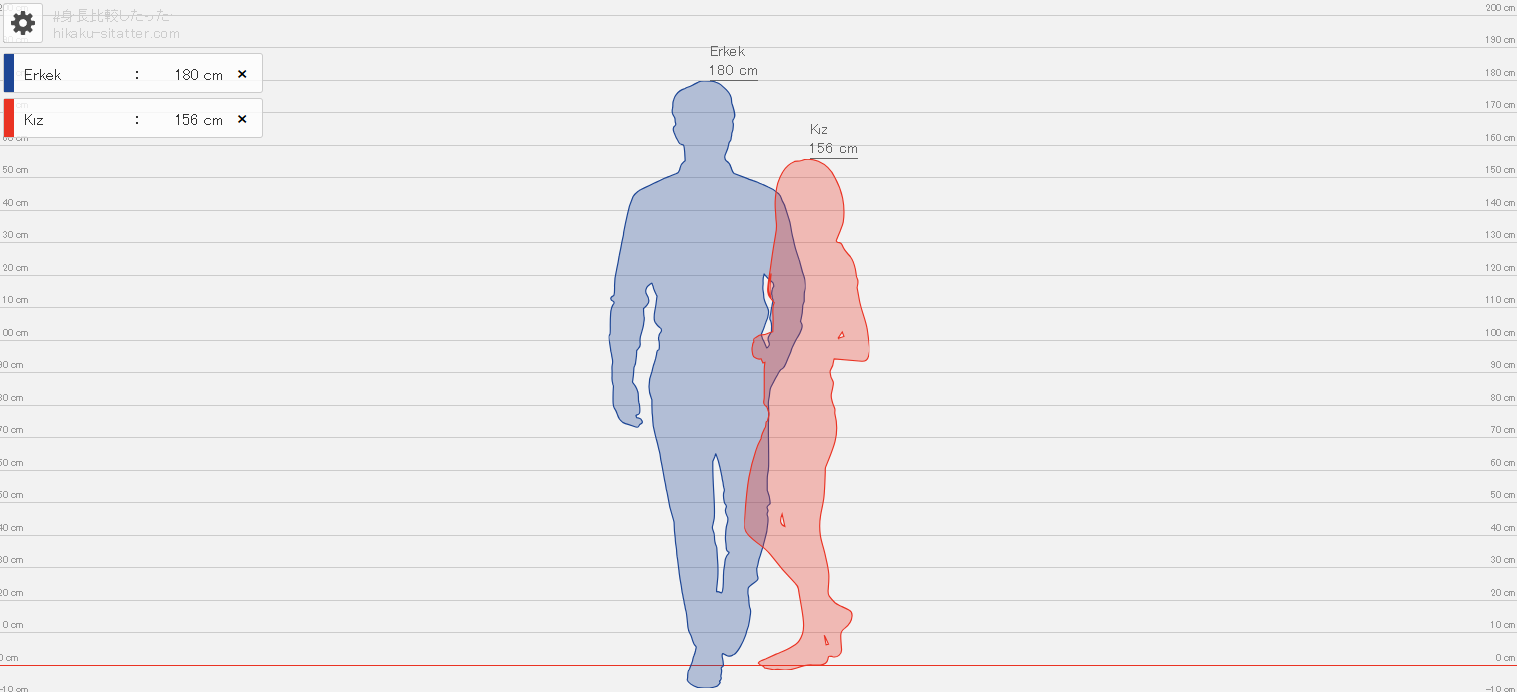
Have you ever wondered how you would look next to someone of a different height? The height comparison tool covered in this guide lets you place yourself beside your partner, friend, mother, father or anyone else and view the difference visually.

This guide explains how to use the height comparison page step by step. Follow the stages below to see how people with different heights appear when they are placed side by side.
How Do You Compare Heights?
First, open the height comparison tool using the link below.
To use the tool, click here.
Use the controls on the left side of the tool to enter the first person's height, then type the person's name—or any label you prefer—in the “Name” field.
You can also select the person's gender and choose a character colour to make each silhouette easier to distinguish in the comparison.
Press the “Add Person” button to place the first person on the comparison chart.
Repeat the same steps for the second person and press “Add Person” again to add the second silhouette.
You can continue adding people and compare as many different heights as you need on the same chart.
If you also want to compare different car makes and models, open our car comparison page using this link.
 How to Find Car Specifications? – Specifications for Vehicle Models